
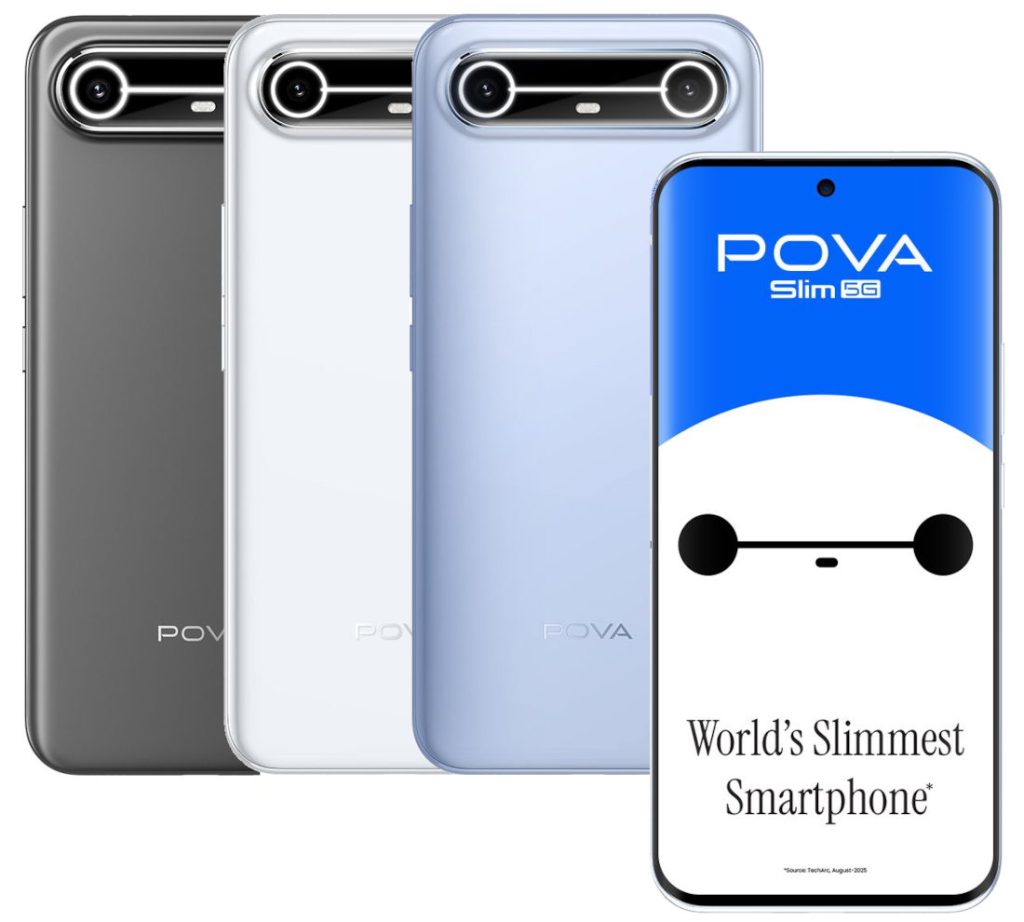
A new phone is exciting, and most people rush straight to WhatsApp and Instagram. Give it fifteen minutes first. The settings below protect your money and your data, and a few of them are new for 2026. We set up a lot of phones for customers, so this is the short list that actually matters, not a hundred toggles you will never touch.
1. Update the software before anything else
Go to Settings, then System, then Software update, and install whatever is waiting. Half the safety features below only exist on the newest Android, so this one step unlocks the rest. Do it on Wi-Fi while the phone charges.
2. Set a 6-digit PIN, then add your fingerprint
A numeric PIN is harder for someone to copy over your shoulder than a swipe pattern, and Android needs a PIN set before fingerprint or face unlock will even turn on. So the PIN is your real lock and the fingerprint is just the fast way in. Six digits is the sweet spot of quick and safe.
3. Switch on Find My Device and theft protection
This is not always on out of the box, so check it yourself under Settings, Security & privacy. Find My Device lets you locate, ring, lock or wipe a lost phone from any browser. Newer phones add a clever trio worth enabling: Theft Detection Lock senses the jerk of a snatch and locks instantly, Offline Device Lock locks the phone if a thief switches off the network, and Remote Lock can lock it from android.com/lock using just your phone number, even if you do not have your Google password handy.
4. Turn on Google backup
Settings, Google, Backup. It saves your photos, contacts, messages, call log and app list to your account, free up to 15GB. One honest gotcha to know now rather than later: it backs up the list of your apps but not everything inside each app, and photos eat that 15GB fast. Decide early whether you will pay for more storage or move photos off the phone every few months.
5. The money-safety habit that matters more than any setting
UPI fraud took around ₹805 crore across the country in the last financial year, and barely six percent of that was ever recovered. No setting saves you here, only a habit. Two rules keep most people safe. First, never install an app file, an APK, that someone sends you on WhatsApp or SMS, even if it looks like your bank. Real cases this year have drained accounts within minutes of such an install. Second, your UPI PIN is only ever needed to send money, never to receive it. If anyone tells you to enter your PIN or scan a QR code “to get your refund”, they are taking money, not giving it.
6. Be stingy with app permissions
When an app asks for location, choose “While using the app”. For camera or microphone, “Only this time” is fine. And deny SMS and Accessibility access to anything that is not a genuine system tool, because those two permissions are exactly what fraud apps abuse to read your OTPs and watch your screen. Android also auto-removes permissions from apps you have not opened in months. Leave that on, it is a quiet privacy win.
7. Skip the antivirus and the cleaner apps
This advice is everywhere and it is outdated. Google Play Protect already scans your apps in the background. Worse, independent testing has found that most of those “RAM cleaner”, “booster” and “antivirus” apps either slow the phone down or carry shady code themselves. Free memory is not wasted memory either, Android keeps recent apps ready so they reopen instantly. Let the phone do its job and save the storage.
8. A couple of nice-to-haves
If your phone offers Adaptive or Optimised Charging, turn it on; it avoids leaving the battery at 100 percent all night and slows long-term wear. On the latest Android, Advanced Protection under Security & privacy bundles Google’s strongest defences into one switch, which is a smart default for anyone who does not sideload apps. And the government’s Sanchar Saathi app can block a stolen handset and check how many SIMs sit on your ID, though it is entirely optional and you can remove it whenever you like.
That is the whole list. Fifteen minutes now saves a lot of regret later. If you are still picking the phone itself, our smartphones all ship with Cash on Delivery, and we are a message away if you want help choosing one.

Leave a Comment
Your email address will not be published. Required fields are marked *